Source Connectors
Source connectors allow you to pull documents from various platforms into Vector Data Loader. Each connector handles authentication, browsing, and content extraction for its respective platform.
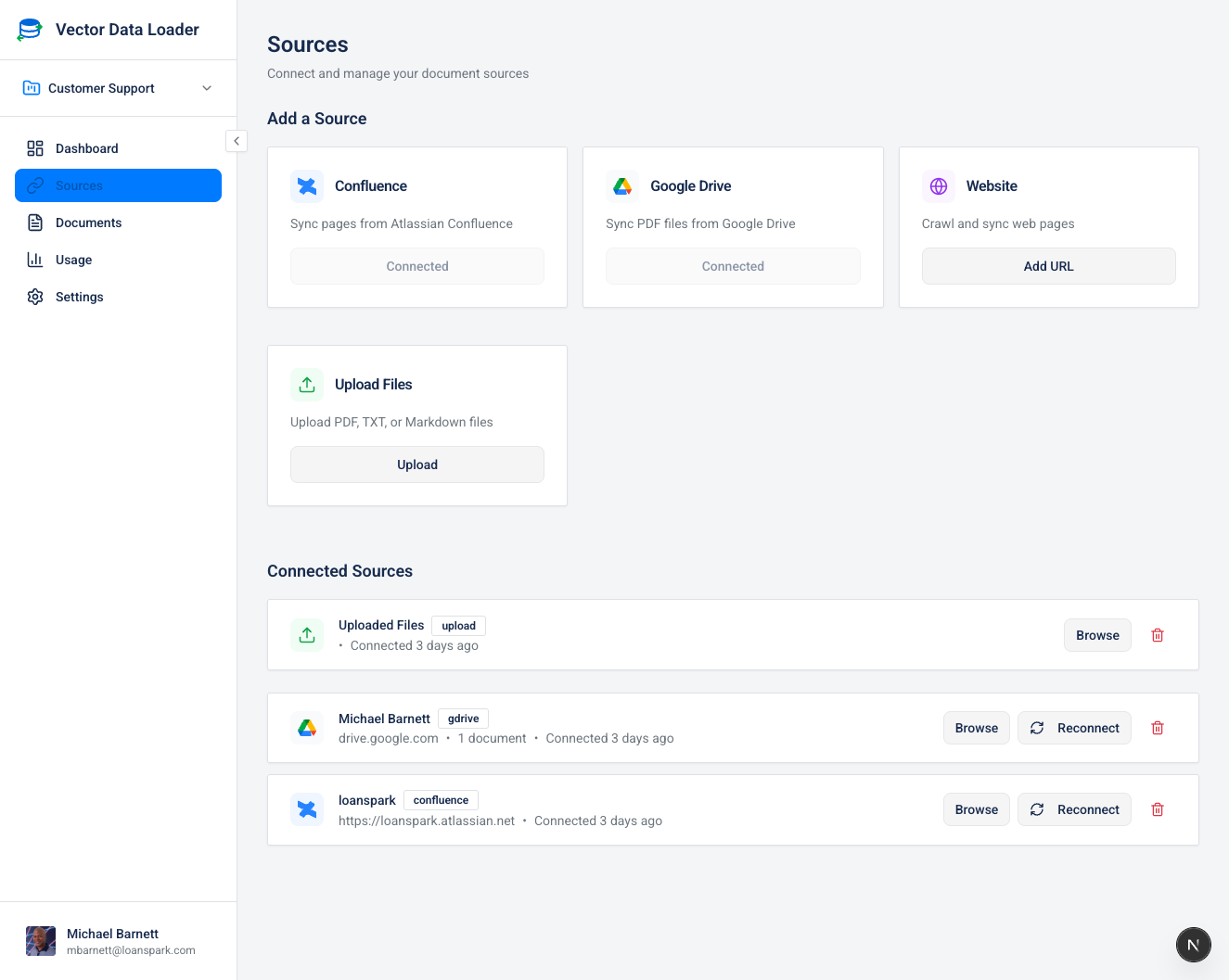
Sources Page Overview
The Sources page is divided into two sections:
- Add a Source (top): Cards for each available connector type
- Connected Sources (bottom): List of your active source connections
Available Connectors
| Connector | Description | Auth Method |
|---|---|---|
| Confluence | Sync pages from Atlassian Confluence | OAuth |
| Jira | Sync issues from Jira Cloud projects | OAuth |
| Dropbox | Sync files and Dropbox Paper from Dropbox | OAuth |
| Google Drive | Sync documents from Google Drive | OAuth |
| Website Crawler | Crawl and ingest web pages | None |
| File Upload | Upload files directly | None |
| S3 Storage | Sync from Amazon S3 buckets | API Keys |
| Supabase Storage | Sync from Supabase Storage | API Keys |
| Notion | Sync pages from Notion | OAuth |
| GitHub | Browse and sync repository files | OAuth | | Azure Blob Storage | Browse containers and blob prefixes | Connection string | | Google Cloud Storage | Browse bucket objects | Service account configuration |
Connectors have different browsing and authentication requirements. Folder monitoring is available for Google Drive, S3, Supabase Storage, Dropbox, Azure Blob Storage, and Google Cloud Storage. See Supported Providers.
Azure Blob Storage and Google Cloud Storage
Choose the connector on the Sources page and supply the configuration requested in its dialog. Use an Azure connection string or a Google Cloud service account configuration with access to the selected storage. Browse the container or bucket, select files, and sync them to your current project. The Monitor action can check a selected prefix for new files.
The Supabase Storage source connects to your Supabase project using the URL and service key you supply. It loads files from buckets; Supabase pgvector is a separate vector-store destination.