Documents
The Documents page is your central hub for viewing and managing all synced documents.
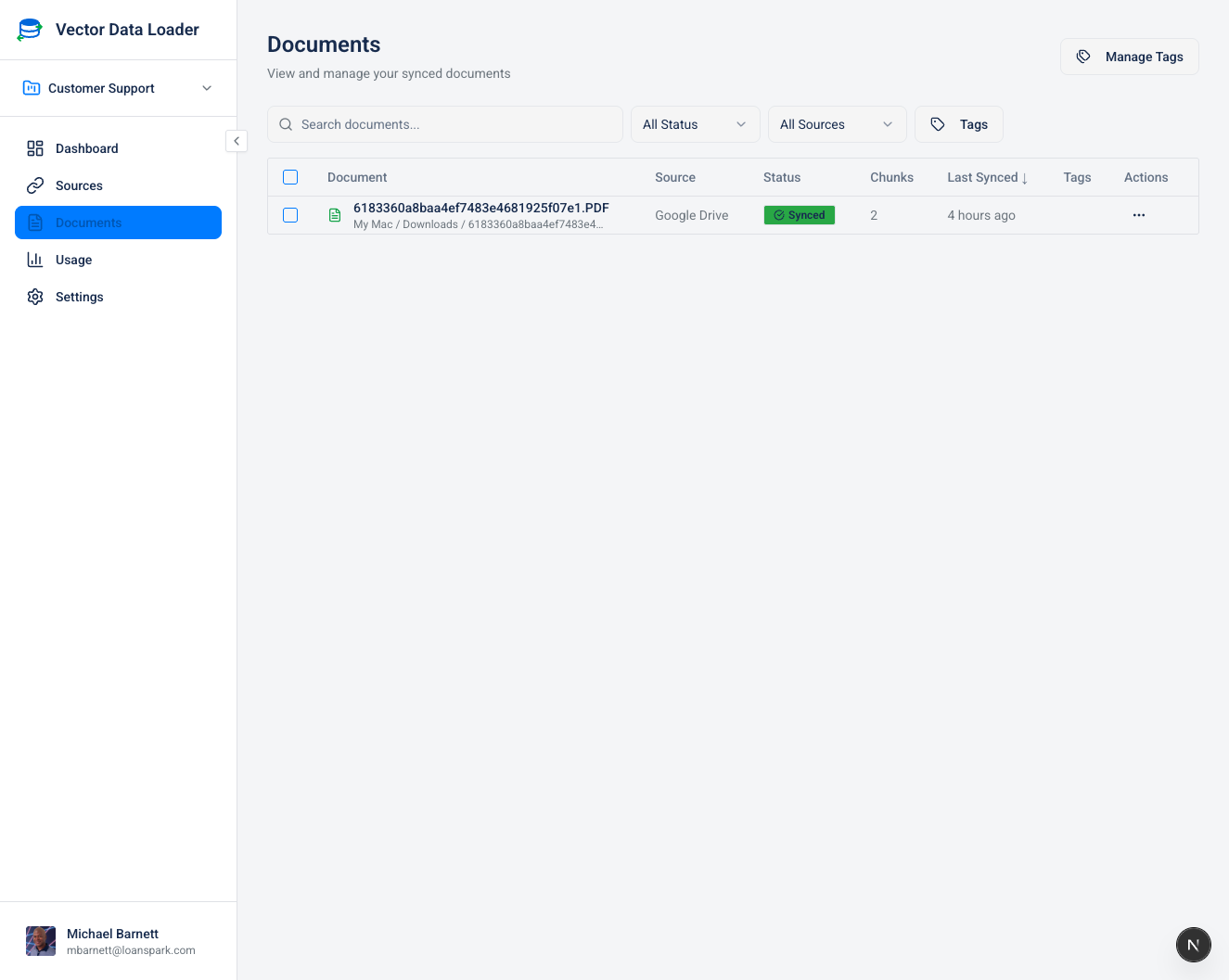
Document List View
| Column | Description |
|---|---|
| Checkbox | Select documents for bulk operations |
| Title | Document name (click to view source) |
| Source | Icon and name of the source connector |
| Status | Sync status indicator |
| Chunks | Number of vector chunks created |
| Last Synced | Timestamp of most recent sync |
| Actions | Context menu for document operations |
Status Indicators
| Status | Color | Meaning |
|---|---|---|
| Synced | Green | Document is up-to-date in the vector store |
| Pending | Yellow | Document is queued for syncing |
| Syncing | Blue | Sync operation in progress |
| Stale | Orange | Source has changed since last sync |
| Error | Red | Sync failed - check error details |
Filtering and Search
- Search bar: Filter documents by title
- Source filter: Show documents from specific sources
- Status filter: Filter by sync status
- Tag filter: Filter by assigned tags